Find a dock that works with your laptop and displays.
Compare USB-C, Thunderbolt, monitors, charging, bandwidth and ports.
USB-C · Thunderbolt · monitors · charging · bandwidth · ports
Start with a decision
Tools
Latest guides
Dock for Content Creation Laptop
A content-creation laptop dock must balance display outputs, fast storage, card readers, networking, peripherals, and charging. This guide shows how to match dock bandwidth and protocol support to your actual creative workflow.
Read guideDock for a Developer With Three Displays
A three-display developer setup needs more than enough video outputs. This guide explains how to match the dock’s display protocol, bandwidth, charging, storage, networking and peripheral support to your laptop.
Read guideDock for SD Card + External SSD Workflow
A dock for media ingest must handle an SD card and external SSD at the same time without turning one fast connection into a bottleneck. This guide explains how to evaluate USB-C, USB4, and Thunderbolt docks for storage, displays, networking, charging, and peripherals.
Read guideHow to Choose a Dock for Music Production
Choose a music-production dock by matching its USB protocol, shared bandwidth, display support, charging capability and port layout to your audio interface, MIDI gear and storage. The connector may be USB-C, but stable performance depends on what the dock and laptop support behind that connector.
Read guideHow to Choose a Dock for Photo Editing
Choose a photo-editing dock by matching its display outputs, card-reader and storage bandwidth, network ports, and charging capability to your actual workflow. The connector alone is not enough: USB-C, USB4, and Thunderbolt can support very different capabilities.
Read guideHow to Choose a Dock for Programming
Choose a programming dock by matching your laptop’s display support, USB-C or Thunderbolt capability, Ethernet needs, peripherals, storage, and charging requirements. This guide helps you build a reliable one-cable desk setup without assuming that every USB-C dock works with every computer.
Read guideDock for Remote Work Setup
Build a one-cable remote work desk for monitors, Ethernet, charging and peripherals. Learn how to verify display, USB-C, Thunderbolt, USB4, OS and switching compatibility before choosing a dock.
Read guideDock for Hot Desk Office Setups
A hot-desk dock must accommodate different laptop ports, operating systems, displays, charging needs, and security policies. This guide shows how to standardize the desk connection without assuming every USB-C port works the same way.
Read guideDock vs KVM Switch for Two Computers
A dock expands one computer’s connectivity, while a KVM switch lets two computers share displays, keyboard, mouse, and other peripherals. Use this guide to choose the right setup—or combine both for a one-cable desk.
Read guideBrowse docks
Explore laptop docks and port replicators by ports and specifications.
Browse 4,652 docks
Browse docksPopular filters
Recently added
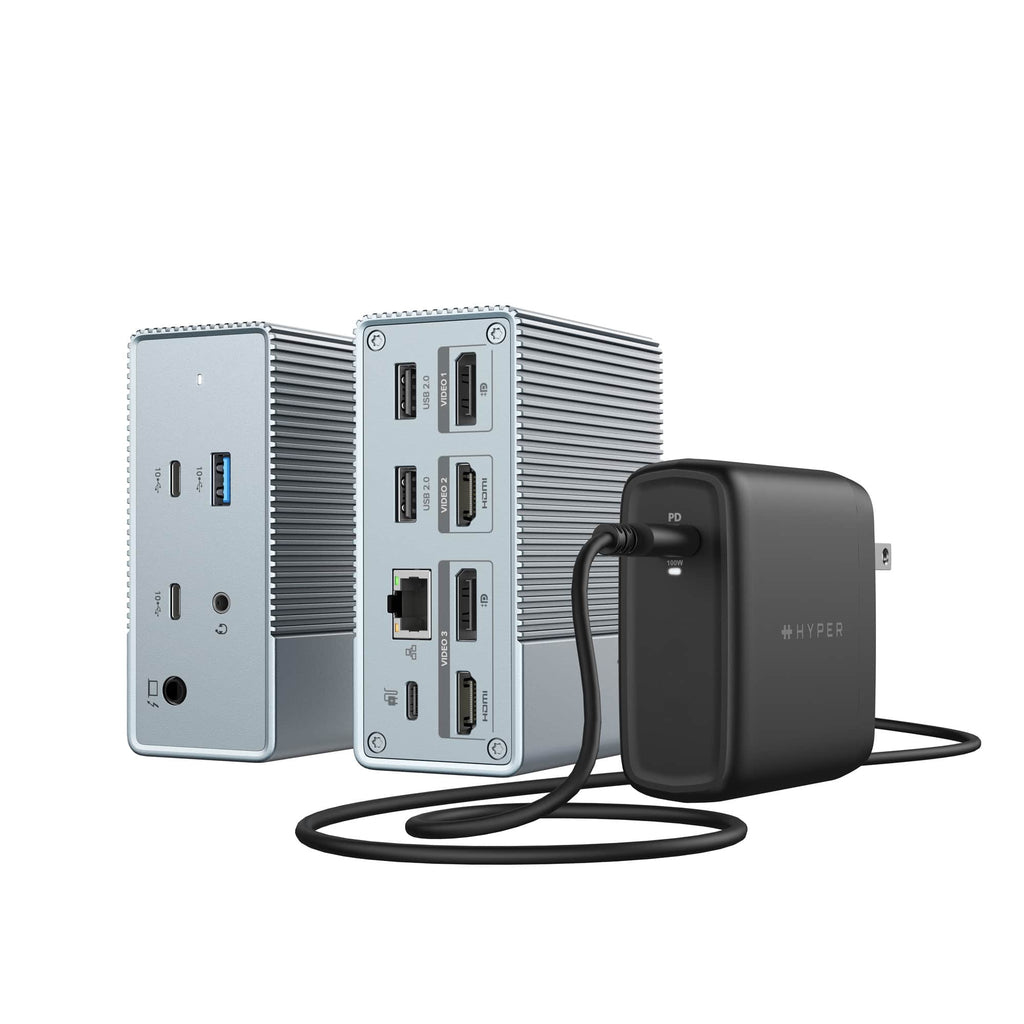
Targus HDG212BP-US laptop dock/port replicator Wired USB 3.2 Gen 1 (3.1 Gen 1) Type-C Grey
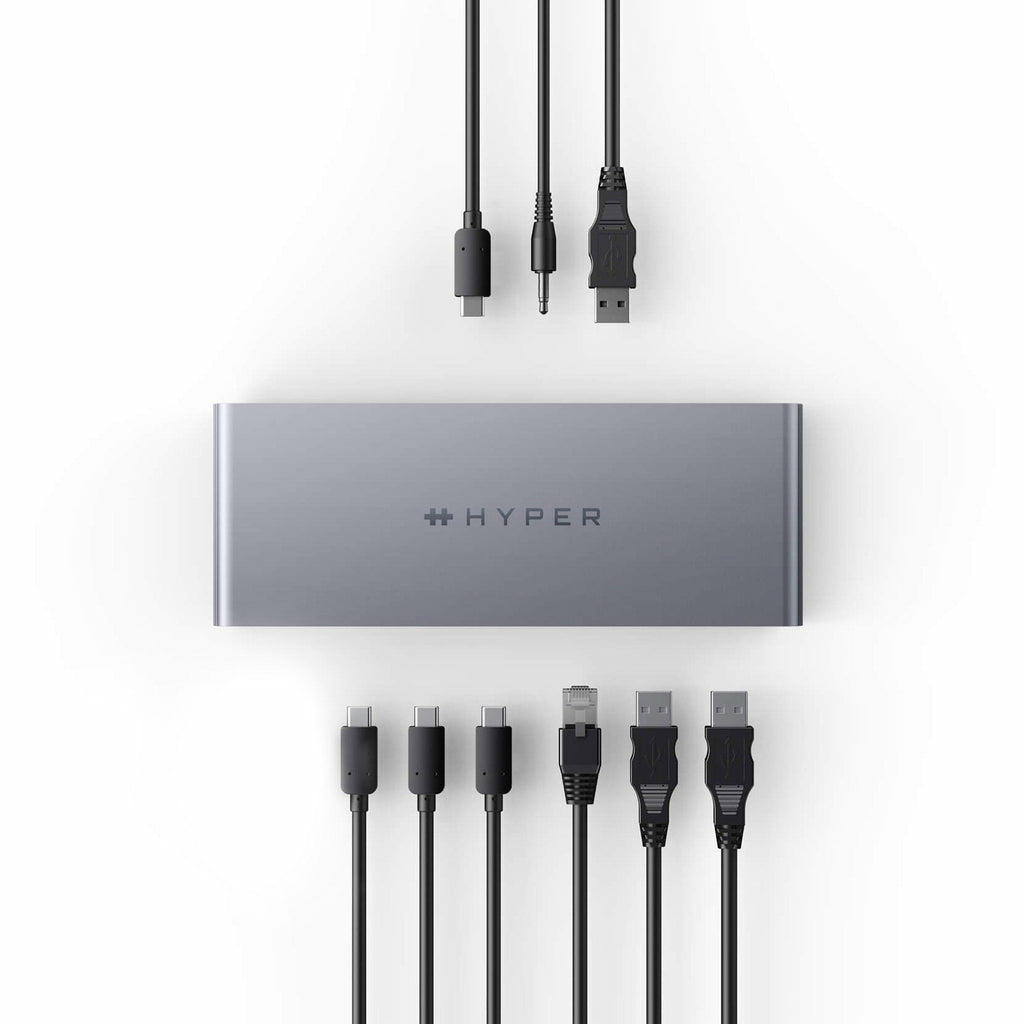
Targus HDTB4D-US laptop dock/port replicator Docking Thunderbolt 4 Grey
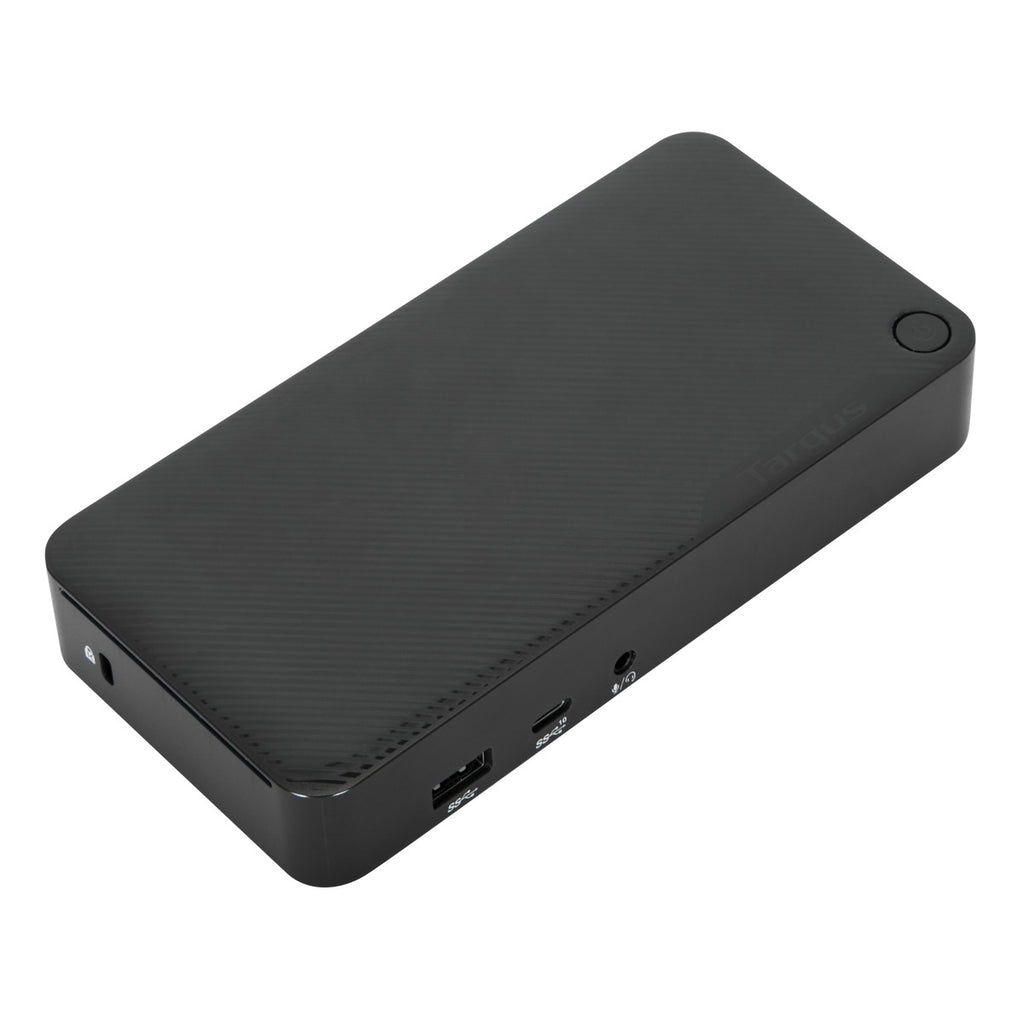
Targus DOCK315USZ laptop dock/port replicator Wired USB 3.2 Gen 1 (3.1 Gen 1) Type-A + Type-C Black
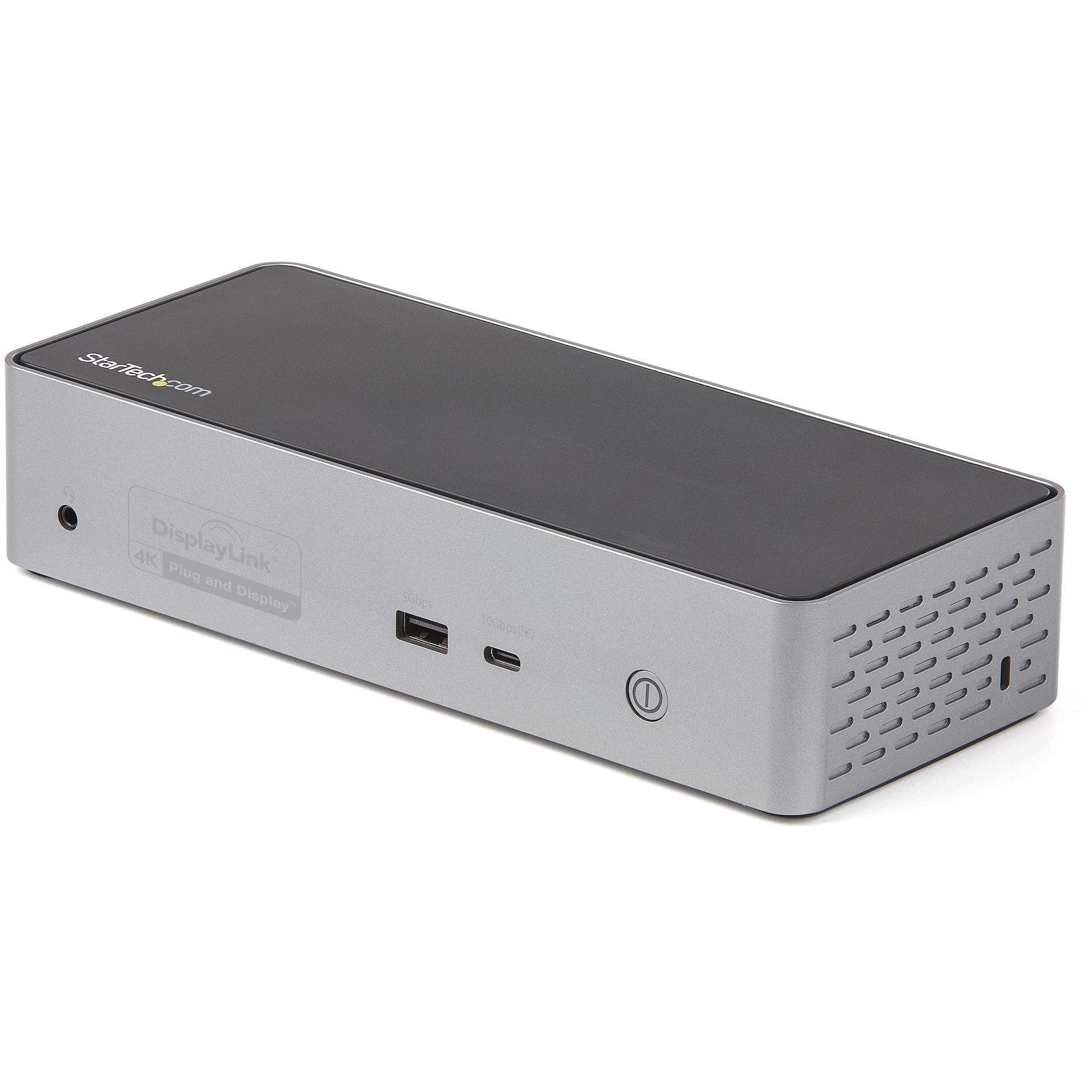
StarTech.com USB C Dock - 4K 60Hz Quad Monitor DisplayPort & HDMI - Universal USB-C Docking Station with 100W Power Delivery - USB Hub with 1x USB Type-C & 3x USB-A, Ethernet, Audio

Lenovo 40B20135DK laptop dock/port replicator Wired USB 3.2 Gen 1 (3.1 Gen 1) Type-C Black
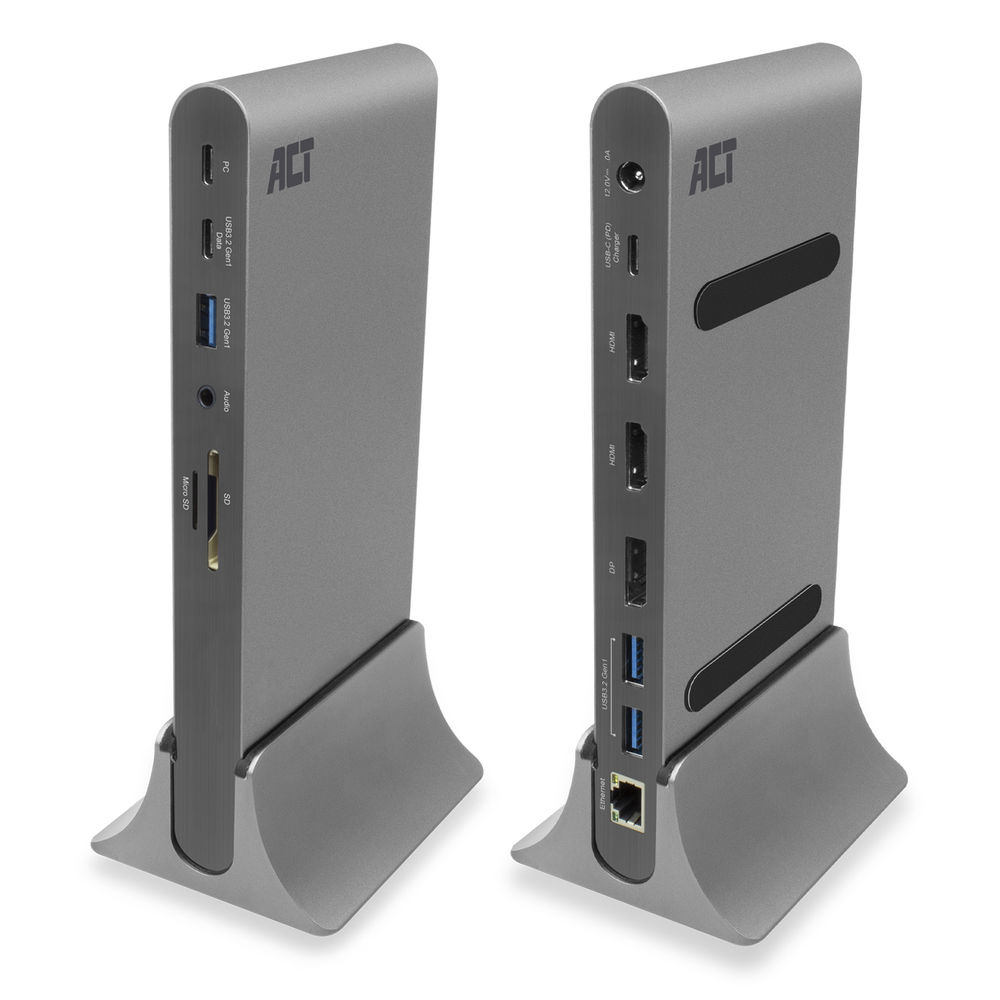
ACT AC7047 laptop dock/port replicator Wired USB 3.2 Gen 1 (3.1 Gen 1) Type-C Grey
DockFit uses structured product specifications to help compare docks and make practical decisions. Missing specifications stay unknown.